

Cloud Cost Management Made Easy – No More Sky-High Bills!
Why Cloud Computing Cost Management Is Critical for Your Business Success
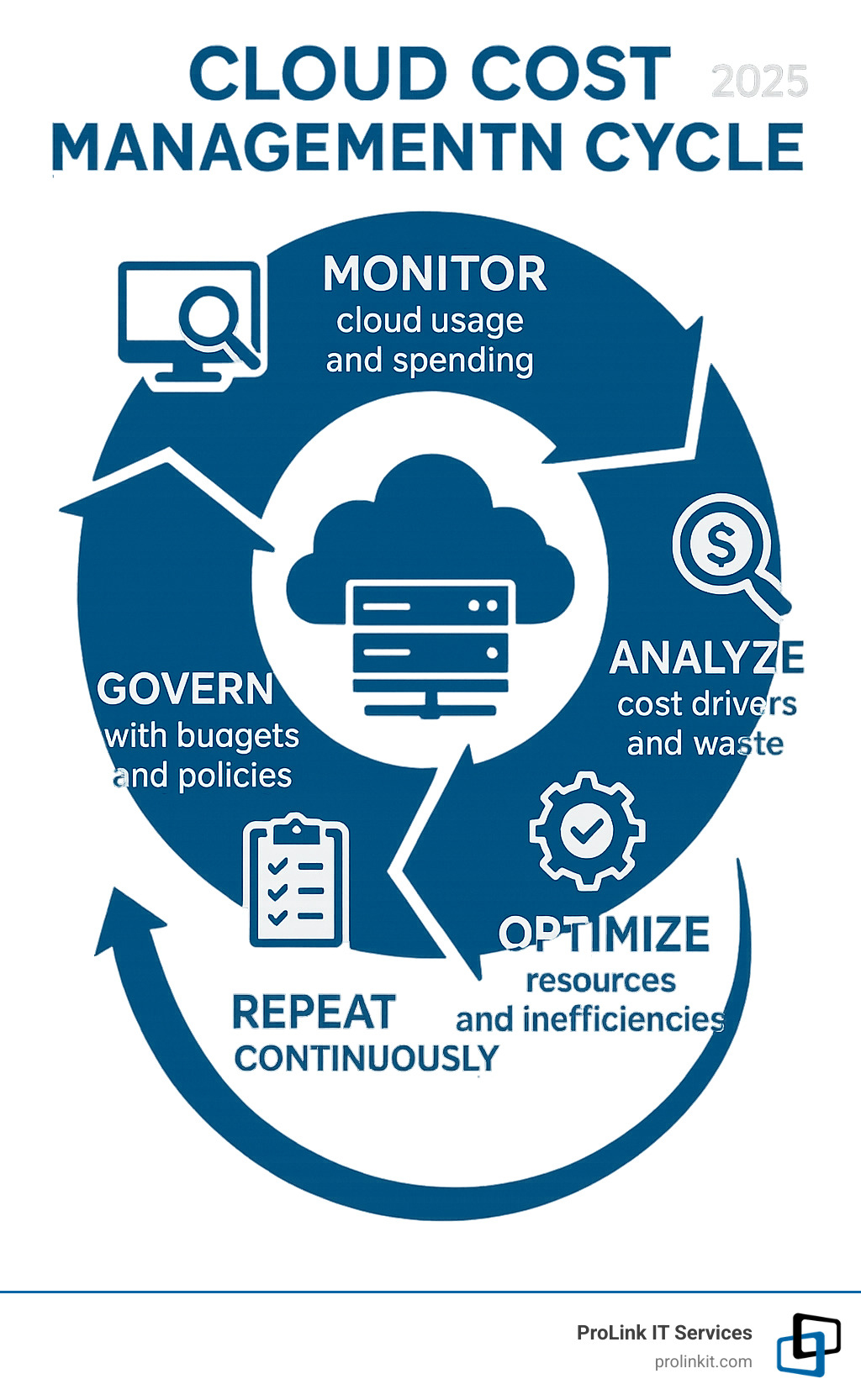
Cloud computing cost management is the practice of monitoring, analyzing, and optimizing your cloud spending to maximize value and minimize waste. It involves four key components:
- Monitor: Track spending across all cloud services.
- Analyze: Identify cost drivers and waste.
- Optimize: Right-size resources and eliminate unused services.
- Govern: Set budgets, policies, and accountability measures.
Effective management helps reduce cloud waste (often up to 32% of a company’s budget), improve financial predictability, maximize ROI, and enable data-driven scaling.
With enterprise public cloud spending projected to exceed $1 trillion by 2026, runaway costs are a major concern. The pay-per-use model, while attractive, can lead to ballooning bills without proper oversight. Migrating to the cloud without a cost strategy is like having a race car without fine-tuning—you have the power but lack the control for optimal performance.
The financial stakes are real. Effective cloud cost management can yield dramatic results, with some companies saving up to 72% via Reserved Instances and Savings Plans or cutting overall costs by 33% through strategic optimization.
As Mitch Johnson, founder and CEO of ProLink IT Services, I’ve spent over 20 years helping businesses steer cloud computing cost management challenges. I’ve seen how the right approach transforms cloud spending from a budget drain into a competitive advantage, preventing financial chaos.
Simple cloud computing cost management glossary:
Understanding Your Cloud Bill: Key Cost Drivers and Pricing Models
Understanding what drives your cloud costs is the first step in mastering cloud computing cost management. It’s not just about the total; it’s about knowing where every dollar goes.
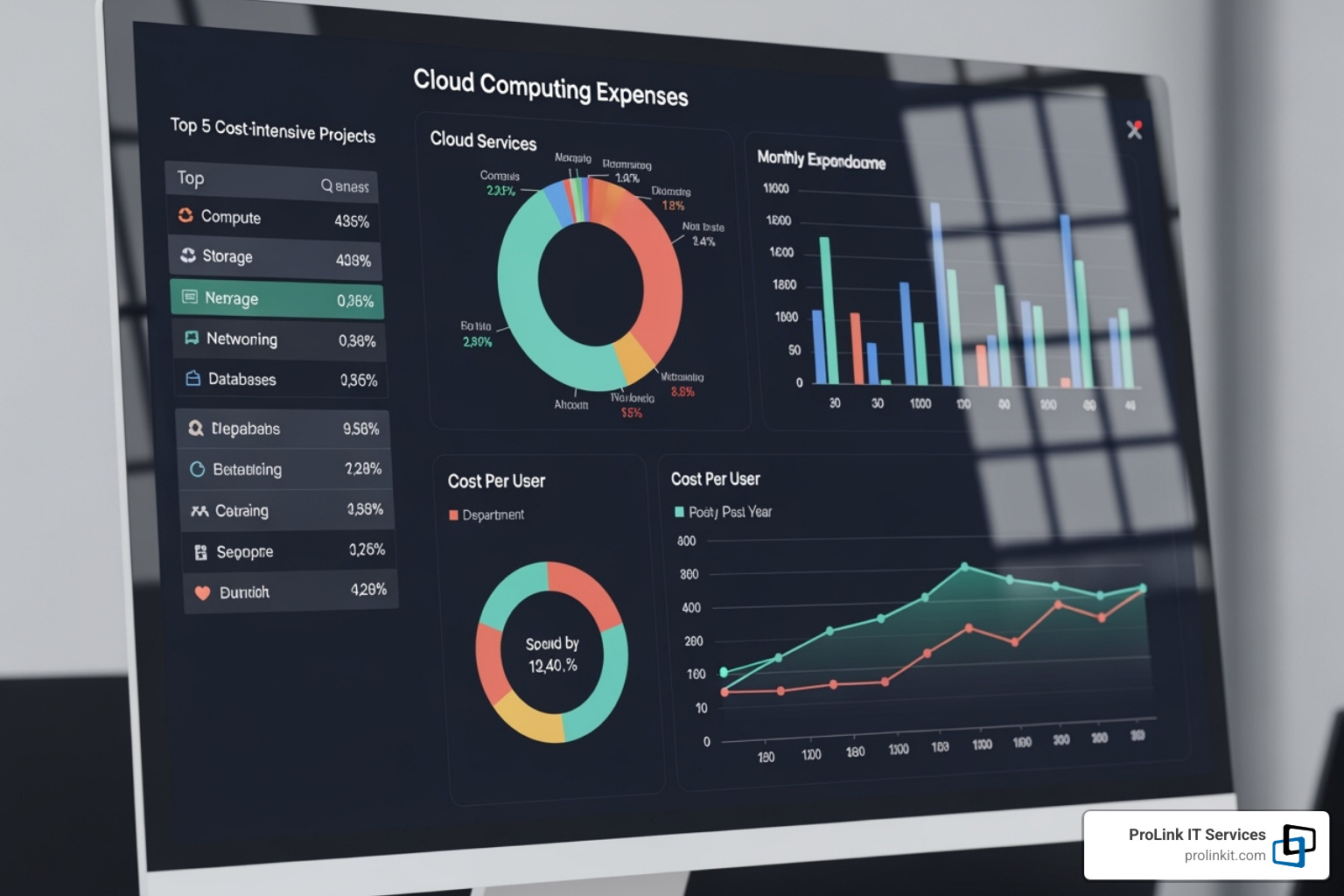
Your cloud bill has several key cost drivers. Compute costs (virtual machines, containers) are often the largest expense, influenced by instance size, region, and runtime. Leaving an oversized instance running is a common source of waste.
Storage costs apply to every file, database, and backup. Different storage tiers have different prices. Unattached storage volumes and forgotten snapshots are sneaky expenses that continue to incur charges.
Data transfer fees can be a surprise. Moving data into the cloud is often free, but moving it out (egress) or between regions can be costly. If your application is data-intensive, these egress charges can become a major expense.
Network costs (load balancers, VPNs) and database services add their own pricing complexity. The real villains, however, are hidden costs: forgotten development environments, test servers left running, and inefficient code demanding excess resources.
Pay-As-You-Go (On-Demand)
This model offers maximum flexibility by letting you pay only for what you use, down to the second. There are no contracts or upfront commitments, making it ideal for testing new ideas or handling unpredictable workloads.
However, this convenience comes at a higher cost per hour compared to other models. It’s best for workloads where usage patterns are hard to forecast.
Reserved Instances & Savings Plans
By committing to a certain level of usage for a 1-3 year term, you can receive significant discounts—up to 72%. This is the core of strategic cloud computing cost management.
While it requires an upfront commitment (with various payment options), it’s perfect for stable, predictable workloads like your main database or core applications. If you know you’ll need a resource long-term, there’s no reason to pay the full on-demand price. Learn more about AWS Savings Plans to see how these commitments can transform your budget.
Spot Instances
Spot Instances offer the deepest discounts (up to 90%) by using a cloud provider’s spare capacity.
The catch is that these instances can be interrupted with about two minutes’ notice if the provider needs the capacity back. This makes them perfect for fault-tolerant, non-critical workloads like batch processing, data analysis, or rendering—tasks that can be paused and resumed.
| Model | Best For | Cost Savings | Commitment | Flexibility |
|---|---|---|---|---|
| Pay-As-You-Go | Unpredictable workloads, development/testing | Low (base rate) | None | High (start/stop anytime) |
| Reserved Instances & Savings Plans | Stable, predictable baseline workloads | High (up to 72%) | 1 or 3 years | Moderate (committed usage, some instance flexibility with Savings Plans) |
| Spot Instances | Fault-tolerant, interruptible workloads | Very High (up to 90%) | None (but can be reclaimed) | Low (subject to interruption) |
Understanding these pricing models is key to a well-designed cloud computing cost management strategy. The best approach often combines all three based on your specific workload requirements.
Key Strategies for Effective Cloud Computing Cost Management
With an understanding of pricing, let’s explore core strategies for effective cloud computing cost management. The goal is maximum performance for every dollar spent.

Successful cloud cost optimization is proactive, not reactive. Don’t wait for the bill to arrive; build cost awareness into daily operations. Creating a cost-aware culture is crucial, where everyone from developers to managers understands the financial impact of their decisions.
Explore Top Cloud Services to Boost Productivity
Rightsizing and Eliminating Waste
This is where most companies find their biggest savings. Rightsizing means matching your resources to your actual needs.
- Identify idle resources: Find servers running 24/7 for projects that are only active during business hours or databases with zero connections.
- Delete unattached storage: When a server is terminated, its storage volumes can remain, incurring costs. These “zombie assets” are pure waste.
- Analyze performance metrics: Use data, not guesswork. If a server’s CPU usage rarely exceeds 10%, it’s oversized. Tools like AWS Cost Explorer Right Sizing Recommendations can help.
- Choose correct instance types: Cloud providers offer instances optimized for compute, memory, or storage. Using the right tool for the job is more efficient.
Automating with Autoscaling and Scheduling
Automation removes human error from cloud computing cost management. Why pay for resources when no one is using them?
Autoscaling automatically adds or removes servers based on demand. This ensures you have enough power for peak loads without paying for idle capacity during quiet periods. For example, a website might need 10 servers during the day but only two overnight.
Scheduling shutdowns for non-production environments is a simple but effective trick. Shutting down development and test environments on nights and weekends can significantly cut costs. Tools like AWS Auto Scaling Groups show how powerful this can be, reducing costs during off-hours without manual effort.
Budgeting, Forecasting, and Anomaly Detection
You can’t manage what you don’t measure. Smart budgeting and forecasting acts as a financial GPS.
- Set cloud budgets: Establish spending limits for projects, teams, or departments to create accountability.
- Forecast future spend: Use historical data to predict future costs and spot potential budget issues early.
- Use anomaly detection alerts: These systems catch unusual spending spikes caused by misconfigurations, runaway processes, or security issues, saving you from costly surprises.
A guide to effective cloud cost budgeting can offer excellent insights into building these financial safeguards into your cloud strategy.
The Role of FinOps in Cloud Computing Cost Management
FinOps is a cultural practice that builds bridges between your finance, technical, and business teams. It replaces the old model where engineers built things and finance got the bill later.
FinOps is a collaborative approach where teams work together to make cost-conscious decisions based on real data. It fosters cost accountability across the organization, so engineers consider the financial impact of their choices. Data-driven decision making becomes the norm, changing cloud spending from a necessary evil into a strategic advantage.
More info about our Managed Cloud Services
Gaining Visibility and Control Across Your Cloud Environment
Managing cloud costs without proper visibility is like steering a ship in a fog. Comprehensive oversight is essential for effective cloud computing cost management, especially in complex multi-cloud or hybrid environments.
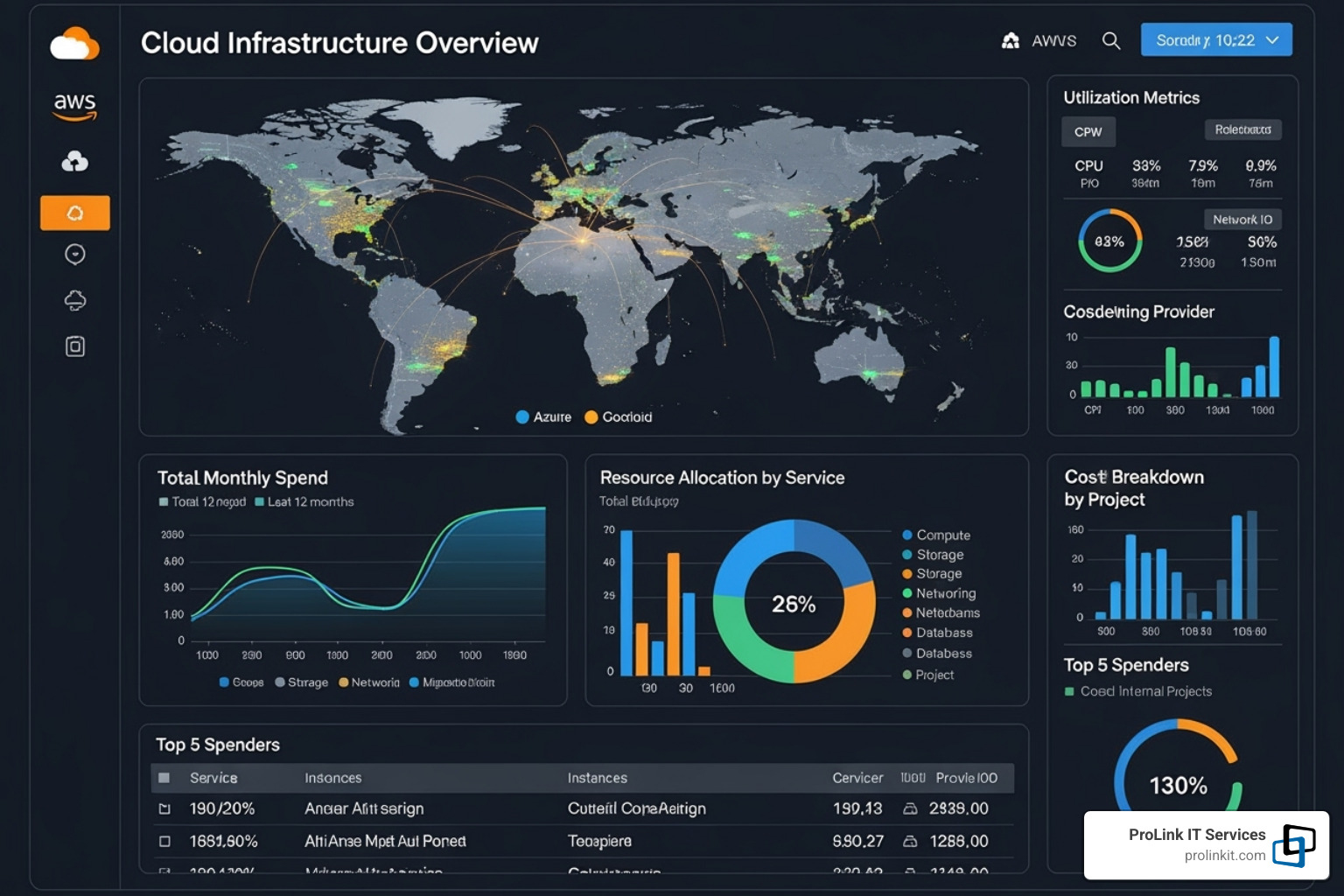
To gain control, you need centralized monitoring for a bird’s-eye view of all spending. Effective reporting turns raw data into actionable insights, while governance policies act as guardrails to ensure teams innovate responsibly within financial boundaries.
Leveraging Native Cloud Cost Management Tools
Major cloud providers offer sophisticated native tools to help you manage spending, and they’re included with your subscription.
- Cost explorers (like AWS Cost Explorer, Azure Cost Management + Billing, and Google Cloud’s Cost Management) let you slice and dice spending data to see what teams, projects, or regions are driving costs.
- Billing dashboards provide a high-level executive summary of your spending.
- Budget alerts act as an early warning system to prevent small overspends from becoming big problems.
- Optimization recommendations analyze your usage and suggest concrete actions, like rightsizing instances or purchasing savings plans.
While powerful, these tools are typically designed for single-cloud environments. Multi-cloud setups may require additional solutions for a unified view.
Cost Allocation and Accountability with Tagging
Cost allocation tags are simple labels (key-value pairs) attached to resources, but they are critical for meaningful cloud computing cost management. Without them, costs are just one big, confusing pile.
With proper tagging, you can track costs by project, team, or department with precision. The key is to enforce tagging policies from day one by building them into your deployment processes. This enables showback (showing teams their consumption) and chargeback (allocating costs to team budgets) models, which drive efficiency.
The best practices for AWS Cost Allocation Tags offer excellent guidance that applies across providers.
Comparing Cost Management on AWS, Azure, and GCP
While the fundamentals are consistent, each major cloud provider has a unique toolset.
- AWS Cost Management suite is extensive, offering deep analysis with tools like Cost Explorer, Budgets, and Trusted Advisor. Its depth can sometimes feel overwhelming but is very powerful.
- Azure Cost Management + Billing offers a more integrated and intuitive portal, bringing analysis, budgets, and recommendations together. It also supports hybrid cloud management via Azure Arc.
- Google Cloud Cost Management tools emphasize simplicity and integration, with strong FinOps features and sophisticated anomaly detection built into the console experience.
Gain visibility with Google Cloud’s cost management tools to see their approach in action.
All three providers offer robust capabilities. The key is to choose the tools that fit your organization and use them consistently.
Frequently Asked Questions about Cloud Cost Management
Managing cloud costs can be overwhelming. Here at ProLink IT Services, we’ve helped countless businesses steer these challenges. Here are answers to the most common questions we hear about cloud computing cost management.
Why is cloud cost management so difficult?
Cloud cost management is difficult for several reasons that make it different from traditional IT spending.
- The pay-as-you-go model, while flexible, means your bill can fluctuate wildly. Every action directly impacts your bottom line.
- Complex billing structures across hundreds of services and pricing models make it hard to understand what’s driving costs.
- Resource sprawl is common. It’s easy to spin up resources and forget about them, leading to “zombie assets” that continue to incur charges.
- A lack of visibility often creates a disconnect between who uses resources and who pays for them, leading to accountability gaps and spiraling costs.
How can a startup effectively budget for cloud costs?
For startups, cloud budgeting requires balancing unpredictable growth with tight resources. Here’s a proven approach:
- Start with a minimal viable product (MVP) to gauge initial costs. Use this real-world data to understand baseline consumption.
- Use cloud provider calculators during planning to estimate costs and create a solid budget foundation.
- Plan for scalability in your architecture, but only provision the resources you need now. Use autoscaling to handle spikes instead of overprovisioning.
- Set a contingency budget (10-20%) to handle unexpected growth or pivots without derailing progress.
- Review forecasts continuously. Check actual spending against projections weekly or bi-weekly to stay on track in a dynamic environment.
What is the first step to reducing my cloud bill?
The critical first step is to gain visibility. You cannot optimize what you can’t see.
- Use your cloud provider’s native cost analysis tools (AWS Cost Explorer, Azure Cost Management, etc.) to get a clear picture of your spending.
- Identify your biggest areas of spending first. Focus on the top 3-5 cost drivers to have the most impact.
- Look for obvious waste once you have visibility. Hunt for idle or oversized resources and unattached storage volumes. These low-hanging fruit often yield immediate savings without complex changes.
Partner with Experts to Take Control of Your Cloud Spend
As we’ve seen, cloud computing cost management is not a one-time task but a continuous process. It requires regular attention, the right tools, and ongoing care to flourish.
The best strategies include rightsizing resources, automating scaling, implementing proper tagging for accountability, and leveraging native tools for visibility. Combined with a FinOps culture, these practices can transform your cloud spending from a source of anxiety into a competitive advantage.
However, managing these complexities across multiple providers and ever-changing pricing models can be overwhelming when you have a business to run. This is where partnering with cloud experts makes all the difference.
At ProLink IT Services, we bring the discipline and integrity of our veteran-owned heritage to every client relationship. We don’t just manage your cloud environment; we become your strategic partner in maximizing your cloud investment.
Our approach is built on transparency, accountability, and results. We’ve helped businesses in West Jordan, UT, and beyond significantly cut cloud costs while improving performance and reliability. We understand your cloud infrastructure is the foundation of your business growth.
Whether you’re struggling with runaway costs, need help implementing FinOps, or want to optimize your multi-cloud environment, we’re here to help. Think of us as your dedicated cloud cost management team.
Ready to take control of your cloud spending? Let’s work together to turn your cloud costs from a budget concern into a business advantage.
Take control of your cloud environment with our Cloud-Based Managed Services