

Network Monitoring & Management Made Easy (Even for Non-Techies)
Why Your Network is Your Business’s Lifeline
Network monitoring and management are essential for keeping your digital operations running smoothly. Here’s a quick overview:
- Network Monitoring: This is the process of continuously watching your network’s components to track performance and detect issues early.
- Network Management: This involves actively controlling and optimizing your network, using data from monitoring to fix problems, improve performance, and ensure security.
Why does this matter? Your network is the heart of your business. If it goes down, everything stops. A single hour of IT downtime can cost large businesses at least $300,000. Without proper oversight, small issues can quickly become major outages. The key is to move from reacting to problems to proactively preventing them.
My name is Mitch Johnson. As the Founder and CEO of Prolink IT Services with over 20 years of experience, I’ve seen how critical effective network monitoring and management are for business success. We help companies gain the visibility and control needed to keep their operations humming.
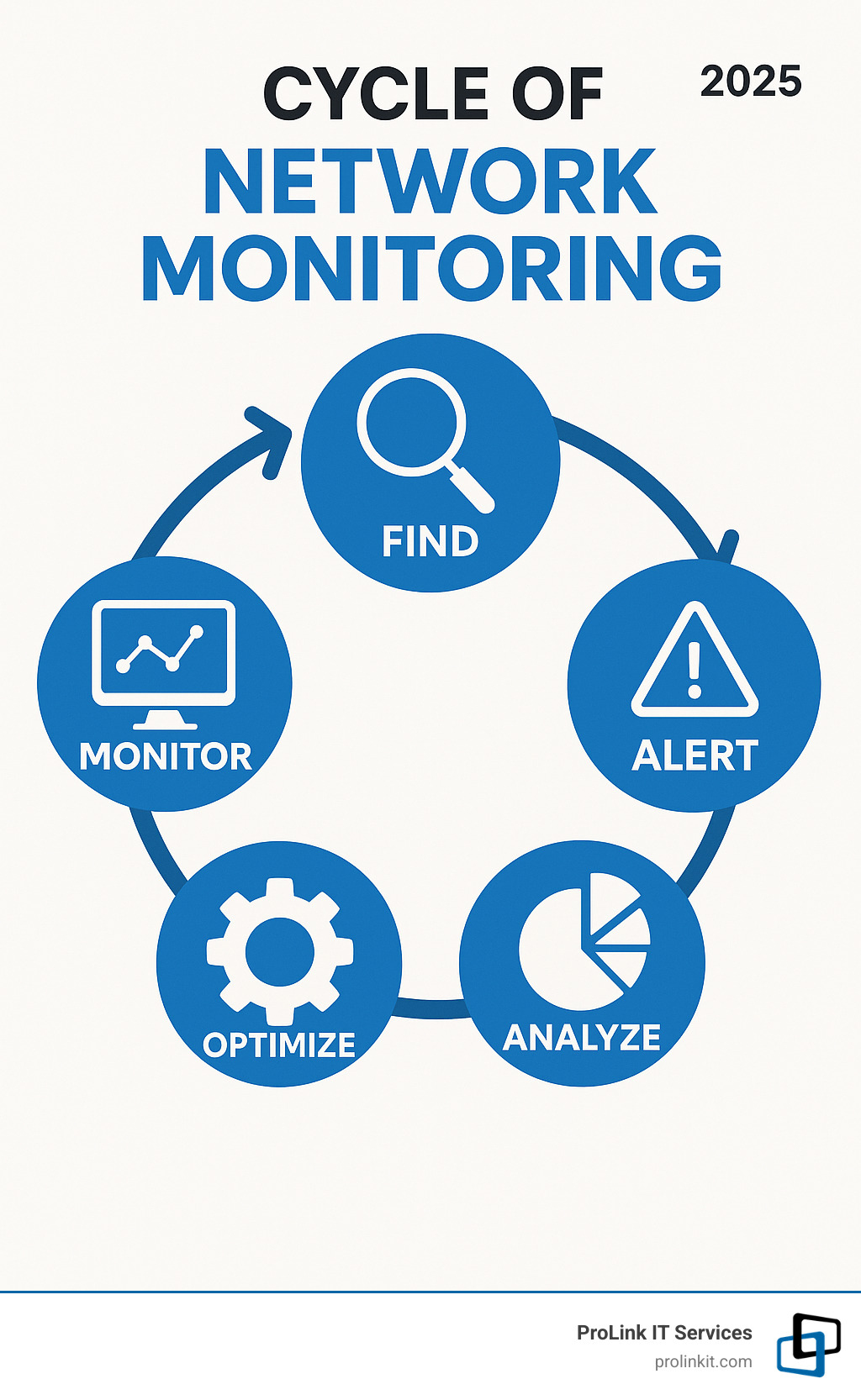
Network monitoring and management terms to remember:
Decoding Network Monitoring and Management
Let’s dive deeper into network monitoring and management. Think of your IT infrastructure as a city. Network monitoring is the surveillance system, gathering real-time data. Network management is the operations team, acting on that data to ensure everything runs smoothly, efficiently, and securely.
The two are inseparable: you can’t manage what you can’t see, and monitoring data is useless without action. This partnership delivers huge benefits that directly impact your bottom line:
- Reduced Downtime: Proactively catching issues before they become major outages prevents costly downtime, which can cost businesses hundreds of thousands of dollars per hour.
- Improved Performance: Fine-tuning your network leads to faster operations, more productive employees, and better customer experiences.
- Improved Security: Monitoring helps spot unusual activity, allowing for early threat detection to keep your data safe.
- Cost Optimization: Understanding network health and usage helps you make smarter IT investments and avoid unnecessary upgrades.
With connected devices projected to exceed 29 billion by 2027, according to this IoT device growth statistic, network complexity is exploding. This makes comprehensive network monitoring and management an absolute must for any business.
For more insights, check out our guide on the Top Benefits of Using Managed IT Services for Your Business.
What is Network Monitoring?
Network monitoring is the critical IT process of keeping a watchful eye on all your networking components and their key performance indicators (KPIs). It involves:
- Data Collection: Gathering information from every part of your network, such as server CPU usage, network bandwidth, and device status (online/offline).
- Performance Tracking: Analyzing collected data against a normal performance “baseline” to spot anomalies immediately.
- Fault Detection: Flagging any issues—from a device failure to a sudden traffic spike—to provide an early warning.
This process covers everything that keeps your business running: routers, switches, servers, firewalls, and all endpoints like computers and smartphones. The goal is to ensure continuous visibility, maintain peak network health, and optimize availability.
What is Network Management?
If monitoring is about seeing, network management is about doing. It’s the active control of your network, using insights from monitoring to ensure optimal performance and security. It involves several key areas:
- Control and Administration: Managing device settings, user access, and network rules to maintain order.
- Configuration: Properly setting up devices to prevent misconfigurations, a leading cause of outages.
- Optimization: Fine-tuning settings and managing traffic flow to make the network faster and more efficient.
- Automation: Automating routine tasks, alerts, and troubleshooting to save time and free up IT staff.
- Ensuring Data Safety: Protecting data by controlling access, detecting threats, and maintaining the integrity of information on your network.
Network management shifts your strategy from reactive to proactive, turning your network into a reliable asset instead of a source of problems. To learn more, visit our Network Management services page.
How Network Monitoring Works: From Data to Decisions
Network monitoring works by turning raw data from your network devices into intelligent decisions. It’s a continuous cycle of listening to your network and making sense of the information.
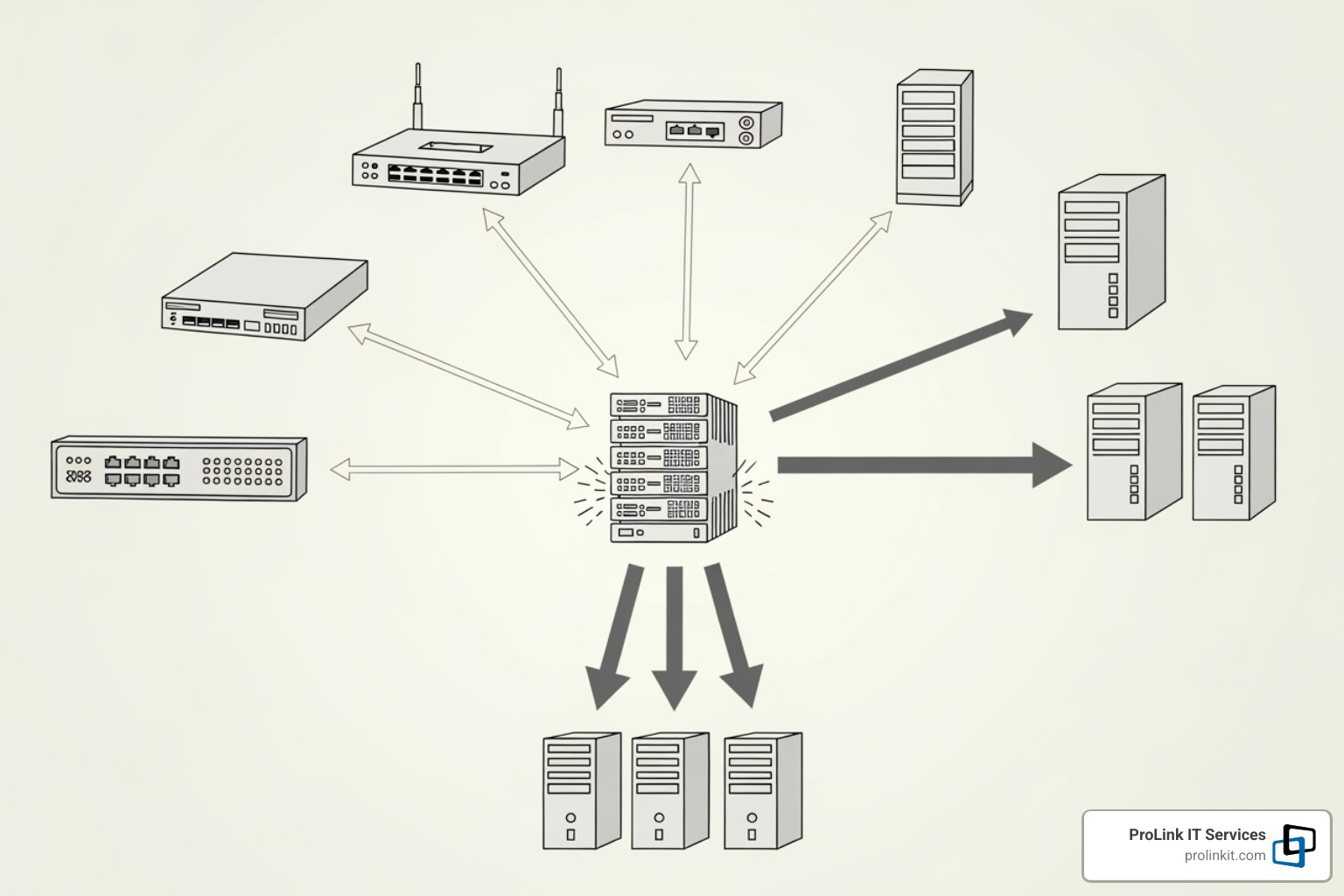
First, data collection methods use various protocols to gather performance metrics from your devices. Then, data analysis kicks in, comparing current performance against historical patterns to spot trends and anomalies. When something goes wrong, alerting and reporting systems notify the right people through email, text, or ticketing systems.
Dashboards provide a visual command center with charts and network maps for an at-a-glance understanding of network health. Finally, root cause analysis helps you quickly identify why an issue occurred, dramatically reducing the time it takes to resolve problems.
This cycle transforms network monitoring and management from a reactive scramble into a proactive strategy.
Key Protocols for Network Monitoring and Management
Protocols are the languages network devices use to communicate. Understanding them is essential for effective monitoring.
- Simple Network Management Protocol (SNMP): The workhorse of monitoring. A central manager polls devices for status reports, and devices send alerts (SNMP Traps) for urgent issues.
- Internet Control Message Protocol (ICMP): Used for basic connectivity checks and error messages, most famously by the “ping” command.
- NetFlow: Provides detailed traffic reports, showing who is using bandwidth, which applications are active, and where data is going.
- Syslog: A centralized logging system that collects event logs from all devices for easier analysis and troubleshooting.
- Telemetry: The modern approach where devices continuously stream performance data in real-time, often using efficient formats like JSON-encoded data, which is crucial for dynamic cloud environments.
These protocols work together to provide a comprehensive view of your network’s health.
Critical Performance Metrics to Track
Tracking the right metrics is like checking a patient’s vital signs. Here are the most important ones:
- Latency: The time it takes for data to travel from point A to point B and back, measured in milliseconds. High latency makes applications feel sluggish.
- Jitter: The variation in latency. High jitter disrupts real-time applications like video calls and VoIP.
- Packet loss: When data packets fail to reach their destination, forcing retransmissions that slow down the network.
- Bandwidth and throughput: Bandwidth is the maximum theoretical speed of your connection, while throughput is the actual speed you achieve.
- CPU utilization: How hard your network devices and servers are working. Consistently high usage can indicate bottlenecks or other issues.
- Error rates: The frequency of errors on network interfaces, often pointing to physical problems like faulty cables or hardware.
Core Functions of Network Monitoring and Management
Effective network monitoring and management involves a set of functions that keep your network healthy and secure. A helpful way to understand these is through the FCAPS model:
- Fault Management: Detecting, isolating, and resolving network faults quickly to minimize downtime.
- Configuration Management: Tracking and controlling device settings to ensure consistency and prevent misconfigurations.
- Accounting Management: Monitoring network usage to understand resource allocation, bill users, and plan for capacity.
- Performance Management: Watching key metrics to ensure the network runs smoothly and efficiently, optimizing it as needed.
- Security Management: Protecting the network from unauthorized access and cyber threats by controlling access and monitoring for suspicious activity.
These five functions work together to provide complete control over your network.
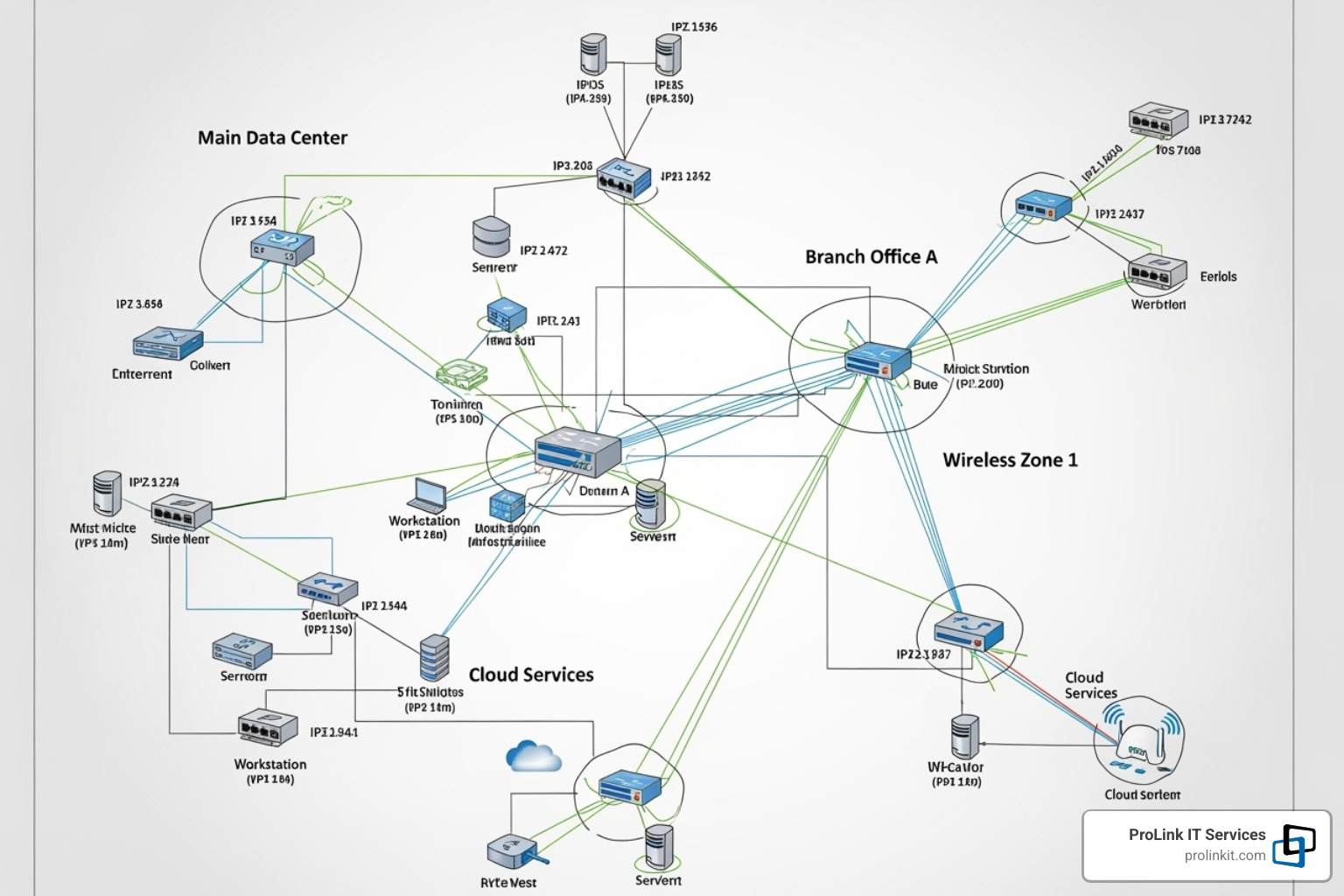
Distinguishing Network Monitoring from Security Monitoring
While related, network monitoring and management and network security monitoring have different goals. General network monitoring is a health check-up, while security monitoring is a dedicated guard looking for threats.
Here’s a quick comparison:
- Goal: Network monitoring aims for performance and availability, while security monitoring focuses on protection from threats.
- Focus: Network monitoring looks at health and efficiency. Security monitoring is focused on identifying and responding to security incidents.
- Data Sources: Network monitoring uses device metrics (CPU, bandwidth). Security monitoring analyzes logs, packet content, and user behavior.
- Tools: Network monitoring uses Network Performance Monitoring (NPM) tools. Security monitoring relies on SIEM or NDR tools.
Though distinct, they overlap. A spike in traffic (a performance issue) could signal a security breach. For comprehensive protection, you need both. To learn more, explore our 7 Top Network Security Tips for Businesses.
The Role of Automation and AIOps
As networks grow more complex, manual management is no longer practical. Automation and Artificial Intelligence for IT Operations (AIOps) are essential for modern network monitoring and management.
- Automated Findy: Tools can automatically find and map new devices on your network, ensuring your inventory is always up-to-date.
- Workflow Automation: Systems can automatically trigger actions like restarting a service or creating a support ticket when an event occurs, speeding up resolutions.
- AI-driven Insights: AIOps uses machine learning to analyze vast amounts of data, spot patterns, and predict potential issues before they impact users.
- Predictive Analysis: By analyzing trends, AIOps can forecast future needs, like capacity upgrades, allowing you to plan proactively.
These technologies significantly reduce the Mean Time To Resolution (MTTR). For instance, ScienceLogic’s SL1 AIOps platform has shown a 157% ROI by streamlining operations and cutting downtime. Automation and AIOps are crucial for managing the complexity and data volume of today’s networks.
Best Practices for Effective Network Monitoring
Proper network monitoring and management requires a thoughtful, ongoing strategy. Here are the best practices that make a real difference:
- Start with clear objectives. Define what you want to achieve, whether it’s reducing outages, boosting performance, or improving security. Clear goals guide your strategy.
- Establish a performance baseline. Understand what “normal” looks like for your network by tracking key metrics over time. This makes it easy to spot anomalies.
- Prioritize critical assets. Focus your monitoring efforts on the devices and applications that are most essential to your business operations.
- Automate wherever possible. Use automated findy, intelligent alerts, and simple fixes to reduce manual effort and resolve problems faster.
- Regularly review your configuration. Networks are constantly changing. Periodically review your monitoring setup to ensure it aligns with your current IT environment.
- Train your team. A powerful tool is only effective if your team knows how to use it. Invest in training on both the tools and the metrics they track.
Following these practices transforms monitoring from a reactive task into a proactive advantage. For more tips on strengthening your IT, explore our guide on 5 Essential IT Security Services to Consider.
Choosing the Right Tools and Solutions
Picking the right network monitoring and management tools requires matching them to your specific needs, budget, and team skills.

Consider these factors:
- Open-source vs. Commercial: Open-source tools (e.g., Nagios, Zabbix) are free and highly customizable but require significant in-house expertise. Commercial tools offer polished interfaces and support but come with a licensing cost.
- Agent-based vs. Agent-less: Agent-based monitoring installs software on each device for deep insights. Agent-less monitoring collects data remotely with less setup but potentially less detail.
- Cloud-based vs. On-premise: Cloud solutions are scalable and accessible from anywhere, while on-premise solutions offer complete control but require more maintenance.
- Scalability: Ensure the solution can grow with your network without requiring a complete overhaul.
- Integration: The best tools integrate with your existing systems, like ticketing platforms and security tools, to create a more efficient workflow.
There is no one-size-fits-all solution. Researching expert reviews, like those on Gartner’s infrastructure monitoring tools review, can provide valuable insights to inform your decision.
Frequently Asked Questions about Network Monitoring
We get a lot of questions about network monitoring and management. Here are answers to some of the most common ones.
How much should network monitoring cost?
Costs vary based on network size, complexity, and the tools you choose. Here are a few ways to approach budgeting:
- Rule of Thumb: Some experts suggest budgeting around 10% of your network infrastructure’s annual amortized cost for monitoring and management.
- Cost of Downtime: A more impactful approach is to compare the investment in monitoring to the potential cost of an outage. Preventing even one major incident can deliver a significant return on investment.
- Payment Models: You’ll typically find subscription (recurring fee) or perpetual license (one-time purchase with maintenance fees) options. Subscriptions offer predictable budgeting, while perpetual licenses can be more cost-effective long-term.
- Staffing Costs: Remember to factor in the cost of skilled IT staff to configure, manage, and respond to alerts from your monitoring systems.
The right cost is one that protects your business from downtime and keeps your network secure and performant.
Can I monitor my cloud and virtual environments?
Yes, and it’s essential for modern network monitoring and management. Your monitoring solution should integrate with cloud platforms like AWS and Azure, as well as virtualization technologies like VMware and Hyper-V.
This allows you to see the performance of cloud resources and individual virtual machines alongside your on-premise equipment. For businesses operating in hybrid environments (a mix of on-premise, private cloud, and public cloud), a unified monitoring tool that provides a single, clear view across all platforms is critical for maintaining visibility and control.
At ProLink IT Services, our Cloud Managed Services are designed to ensure your cloud and virtual infrastructures are secure and performant.
What is the first step to starting network monitoring?
The first step is to know your network. You can’t monitor what you don’t know you have. Follow this simple process to get started:
- Perform an asset findy. Identify every device connected to your network, including routers, switches, servers, firewalls, and endpoints. Many tools can automate this scan.
- Create a network map. Visualize how all your devices are connected. This is invaluable for understanding data flow and troubleshooting.
- Identify critical devices. Determine which servers, applications, and network paths are essential for your business. These are your top monitoring priorities.
- Set initial alerts. Start simple by setting up alerts for basic uptime on your critical devices. You can expand to more detailed metrics as you go.
This foundational work provides the visibility needed to build a sophisticated network monitoring and management strategy.
Partner with Experts for Seamless Network Management
Your network is vital to your business operations. Ensuring its health, performance, and security is a full-time job that requires specialized expertise. This is where partnering with experts in network monitoring and management makes a difference.
Bringing in specialists offers two key advantages:
- Proactive Management: Instead of reacting to problems, we use advanced tools to identify and resolve issues before they cause downtime. This means fewer disruptions and a more reliable network.
- Focus on Your Core Business: By outsourcing your network management, you free up your internal team to focus on strategic initiatives that drive growth, rather than day-to-day IT maintenance.
At ProLink IT Services, we bring a unique level of expertise. As a veteran-owned company, we operate with discipline, integrity, and a true partnership mindset. Our team has deep knowledge of network architecture, security best practices, and the tools needed to manage today’s complex IT environments.
Our mission is to build and maintain a reliable and secure network foundation that supports your business goals. We provide comprehensive monitoring and actionable insights to ensure your network is not just running, but thriving—robust, efficient, and protected.
Don’t let network worries slow you down. Let us help you take control of your network today. Explore our Managed Security Services and learn more on our Take control of your network today page. We’re ready to make your network a reliable asset, not a source of stress.